
Import one practice session (checklist)
One series. One session row. Then stop.
Why this matters
“I installed it” is not the same as “I have a session I can reopen tomorrow.” The Desktop Library distinguishes Historical Series from Sessions. Series is the local tape. Sessions is a training run you started on that tape. Importing a file without opening Training leaves you with data and no lesson.
Use the labels on your build. The File menu says Import… (Ctrl+I) and Data Center (Ctrl+L). Library also has Import. If your installer uses a slightly different caption, follow the screen, not this sentence.
Steps / Checklist
- Prerequisites. BarionQuant Desktop is installed from /en/download. You can open Library. You are not chasing a live feed.
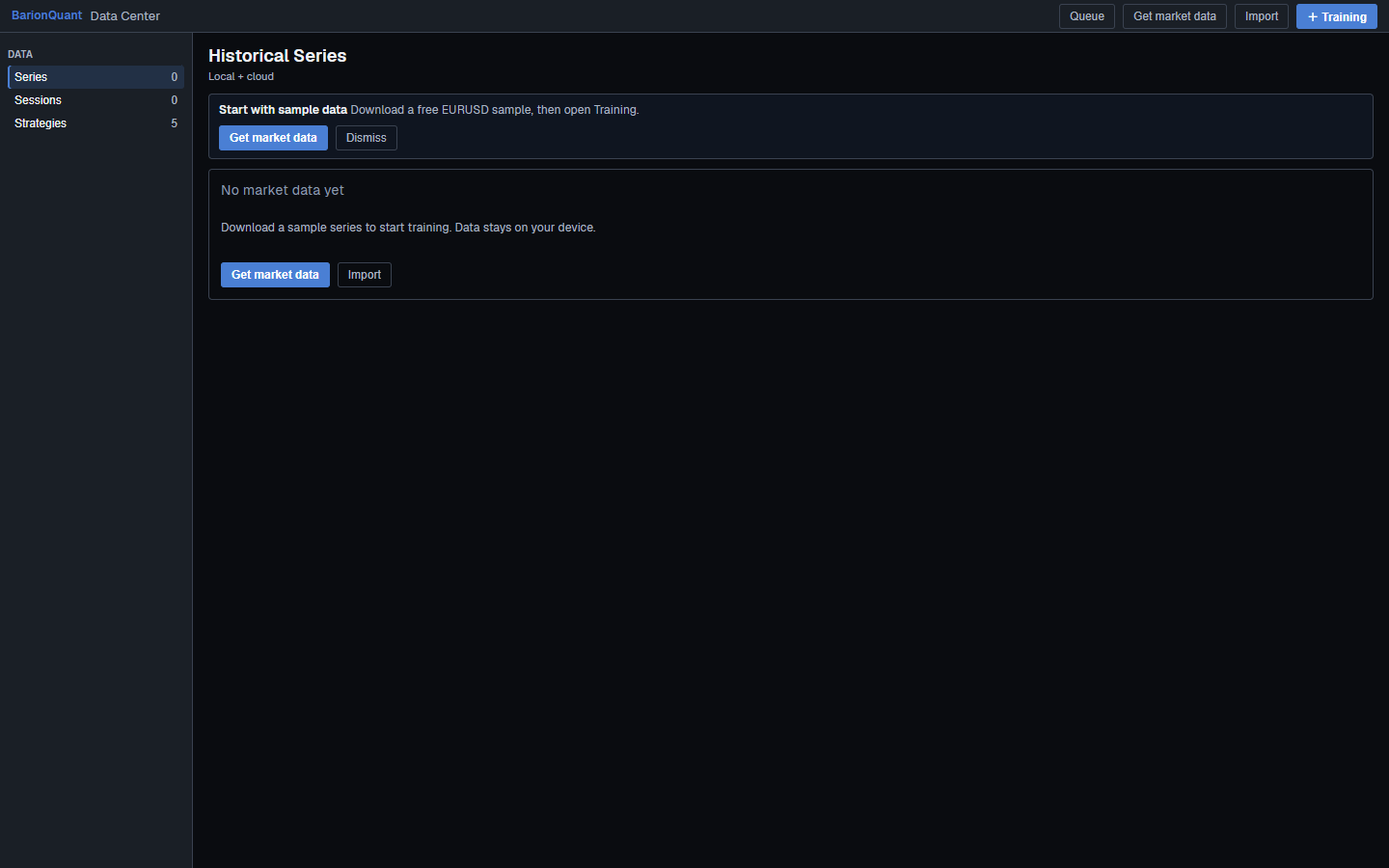
- Get a series. Either File → Import… and choose a local file the dialog accepts, or use Get market data (sample) / Get EURUSD sample (HistData) from the empty Library. File → Download… is the other official path when you need a queued download.
- Wait for Ready. Historical Series should show a symbol, timeframe, range, and Ready. Gaps or Thin are quality flags — still usable for a first session if you accept the limitation. Blocked means stop and read the row, do not force Training.
- Open Data Center if you need to confirm the series (Ctrl+L or Library Data Center). Then return to start training.
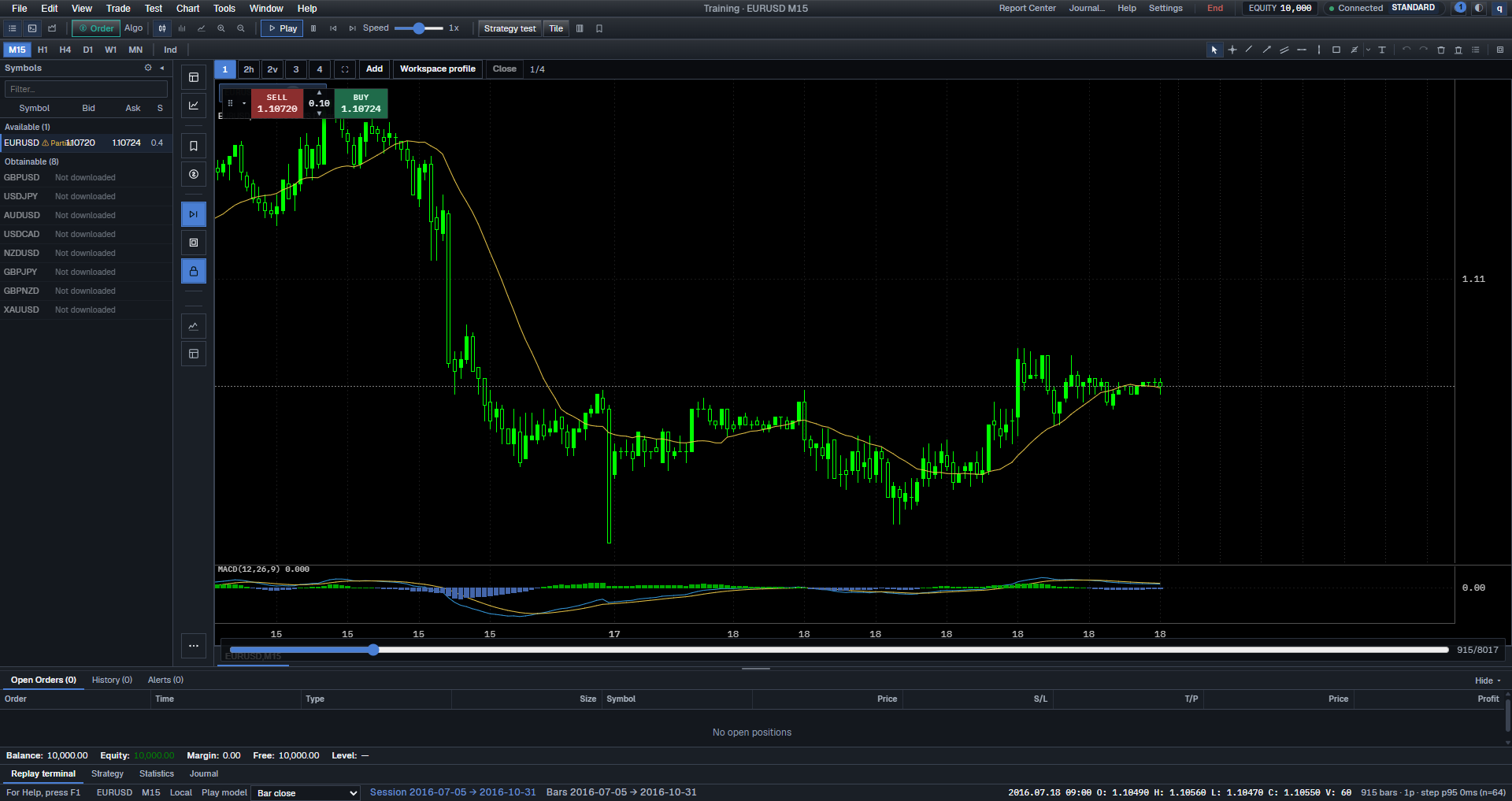
- Start Training. + Training or File → New Training. Title should leave Training · No session and show a symbol/period once a panel is up.
- Verify the chart. You should see candles or bars, not only Loading chart data…. If Cannot open chart appears, Back to Data Center and pick the series again.
- Play once. Play twenty seconds or Step three bars. That proves the session is alive.
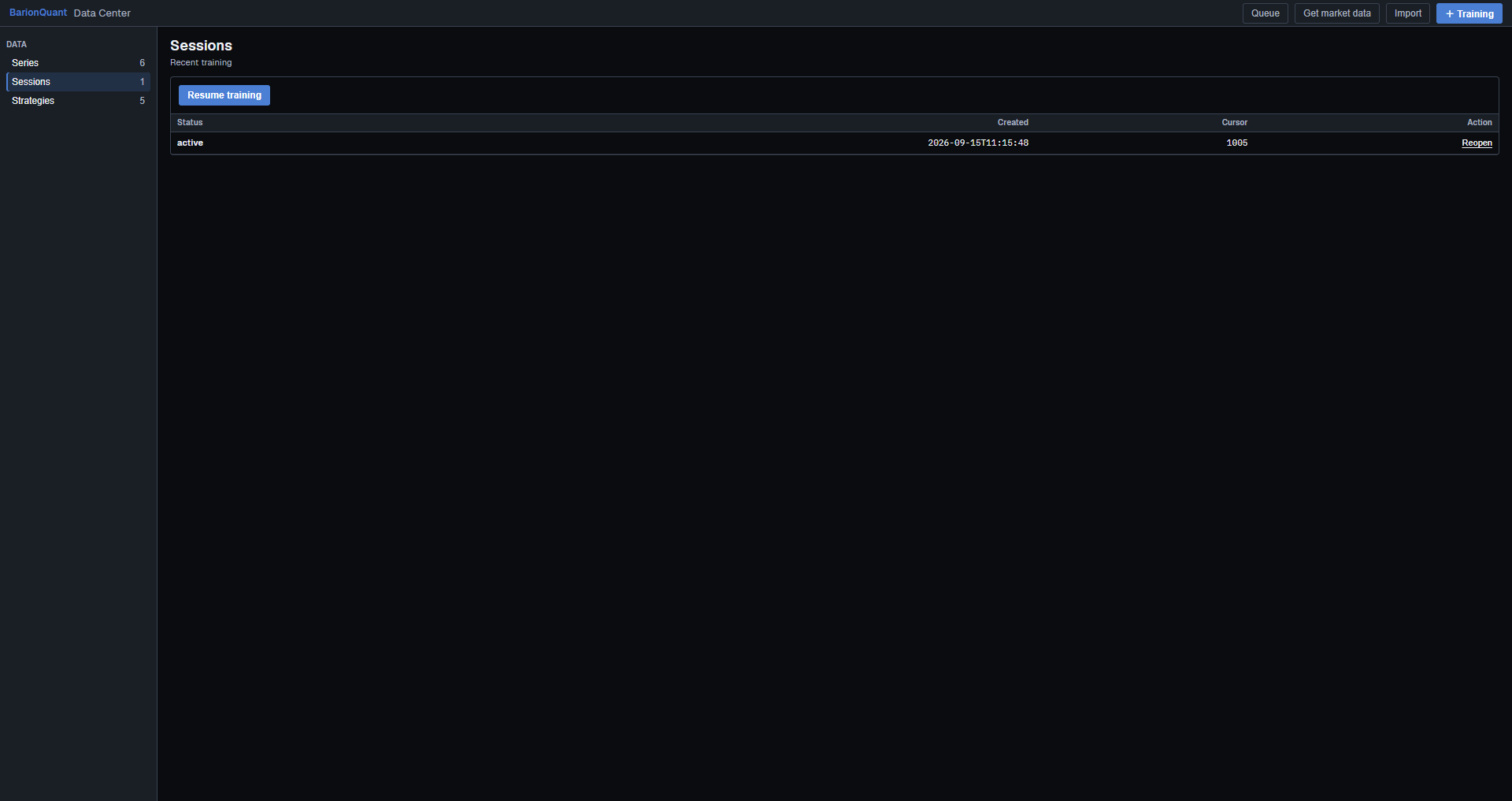
- Check Sessions. Open Library → Sessions. You should see a recent training row (created time / cursor columns if your table shows them). If the list still says No sessions yet., you never started or the run did not persist — start Training again; do not import a second file.
- End cleanly. File → End Training. Optional review dialog: fill one sentence if offered. Save Layout (Ctrl+Shift+S) is optional and is not the same as ending the session.
You now have “a session in the library” in the Desktop sense. Web Account → Library is handbook unlocks, not this list.
Screenshots
Common mistakes
- Importing five files because the first chart was slow. Fix the first series.
- Confusing Import (file on disk) with Download… (queue). Both can produce a series; you only need one path.
- Starting Strategy Tester instead of New Training. Tester is not this checklist.
- Treating Resume Training as Import. Resume reopens a run; Import adds data.
- Expecting the website blog to list your session. It will not.
Next in the handbook
Standard seats continue with Daily routine: pre-open / after / weekend.
Educational training content only. BarionQuant is not a broker and does not provide investment advice. Past practice results do not predict future outcomes.