
Workspace layout: chart, list, notes
Give each pane one job. Then stop moving furniture.
Why this matters
Daily-routine articles will say “open yesterday’s session” and “write the excuse on the note.” That only works if you and the handbook share names. BarionQuant’s English UI already has them: Library → Sessions, the chart workspace (period, indicators, panels), and notes on the chart (markers you can seek). Around that sit Market Watch, Terminal, and Strategy Tester — useful later, noisy on day two.
A workspace profile is optional. Window → Workspace profiles… stores a layout. Beginners should save once after they like the default, not every hour.
Steps / Checklist
- Open Library and click Sessions. Confirm you see Sessions · Recent training (or No sessions yet. if you have not trained).
- Reopen a session with Reopen / Resume training if a row exists. Otherwise + Training.
- Look at the chart workspace. Find Period and Indicators. Do not add panes yet.
- Decide a default period for this week and leave it. Switching M1/H1/D1 mid-lesson is a layout change, not a skill.
- Use Window → New Chart Window only if you need a second symbol. One chart is the beginner default.
- If you tile by accident, Window → Tile / Untile or the toolbar tile control returns you to a single reading surface.
- Add one note when something matters. Notes are markers on the chart, not a second product. If you do not see a note tool in your build, write the sentence in the end-of-session review instead — do not invent a panel.
- When the layout feels calm, Window → Workspace profiles… → save once. Name it “Beginner.” Restore with Restore last workspace if you break it.
- Close Strategy Tester and Terminal if they steal height. You can open them from View when a later lesson asks.
Beginner default we recommend: one chart, Sessions list reachable, tester closed, dark or light theme — whichever you can read for thirty minutes.
Screenshots
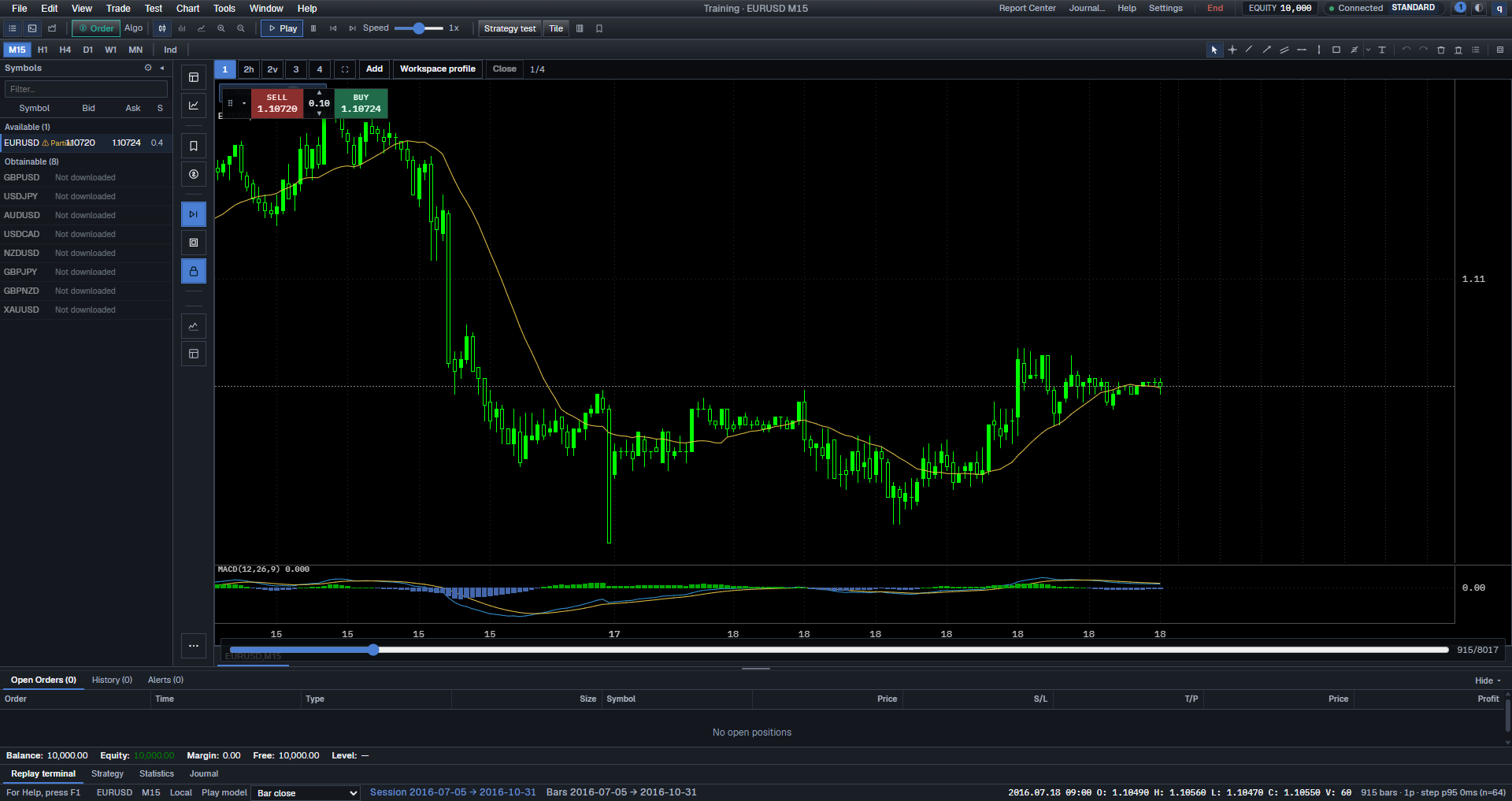
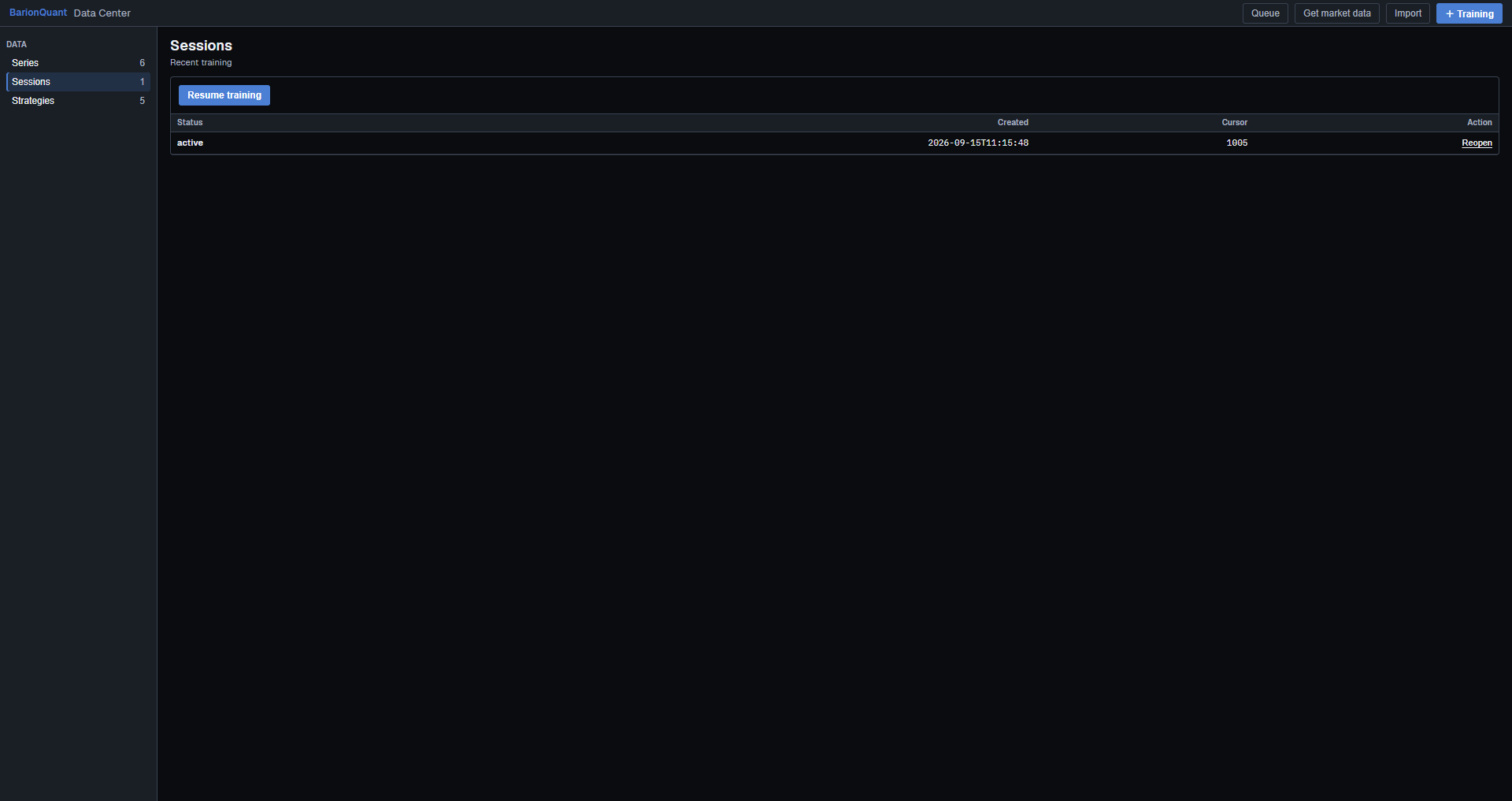
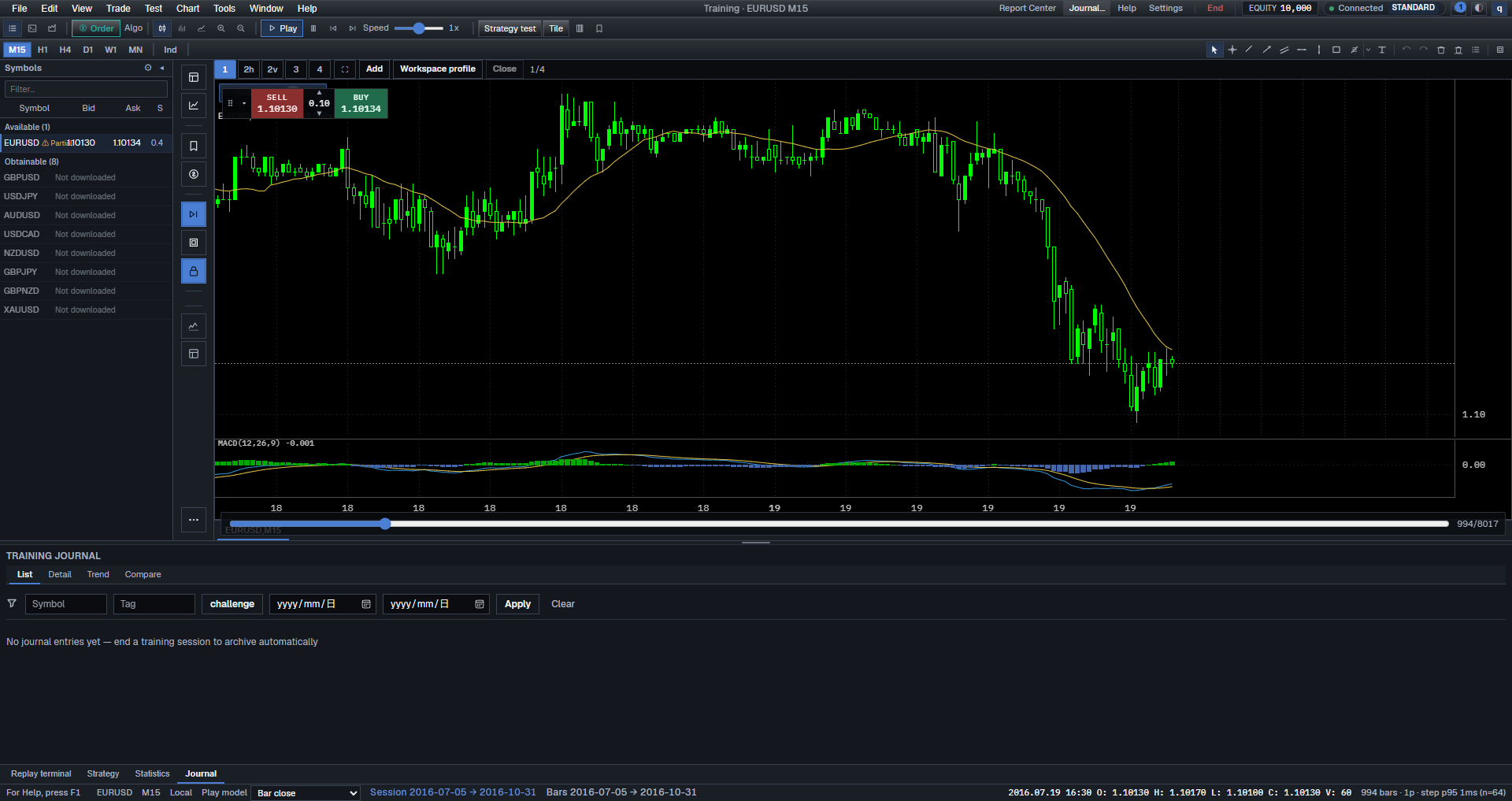
Trust the English strings Sessions, Period, Indicators, Workspace profiles…, and New Chart Window. If a string is missing on your build, skip the step.
Common mistakes
- Treating Market Watch as the session list. Watch is quotes; Sessions is your practice history.
- Saving a workspace profile that includes a maximized tester dock. You will dread opening the app.
- Adding RSI and MACD before you can find yesterday’s session.
- Using Clear indicators & drawings… as a substitute for ending the session.
- Assuming notes sync to the website Library. Web Library lists unlocked handbook rows, not Desktop notes.
Next in the handbook
Import one practice session (checklist) is the next software lesson.
Educational training content only. BarionQuant is not a broker and does not provide investment advice. Past practice results do not predict future outcomes.