
One bar forward, and no key to undo it
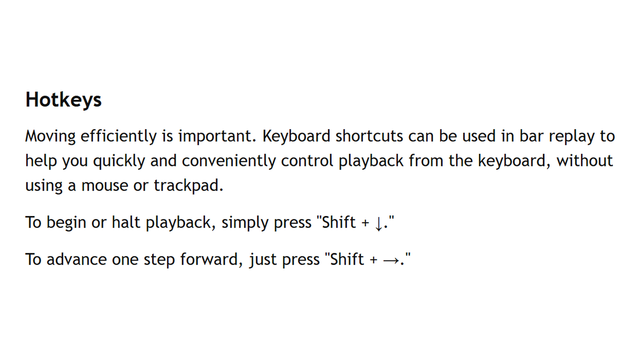
Shift+Right advances one bar. The same help page does not list a step back.
Direct answer
TradingView Bar Replay can move you one bar forward. On the help page checked 2026-09-30, the hotkey section does not give you a key to move one bar back.
That page says press Shift+Down to start or stop playback, and Shift+Right to advance one step. The “Manual advancement” lines above it name a Forward button. They do not name Back. People on r/TradingView were still asking for a backwards step in January 2026 and again in July 2026. The workaround they describe is to select a new starting bar with the mouse.
If that reset is fine, stay on the chart. If one extra bar spoils the rep and you want the tape to move back without picking a new start, that is a different desk. BarionQuant is a Windows practice seat. The shipping labels are Step back and Backspace. It is not a broker, and it does not place a live order.
The longer chart-site or training-desk piece is already published: TradingView Bar Replay vs a local desktop (https://www.barionquant.com/en/blog/compare-tradingview). This page only answers the missing undo key.
How to judge
Does the published hotkey list include back?
Open their help article “Bar Replay: how and why to test a strategy in the past.” Scroll to Hotkeys. The capture below is that section on 2026-09-30. Two shortcuts are written out: Shift+Down, and Shift+Right. There is no Shift+Left line in the shot.
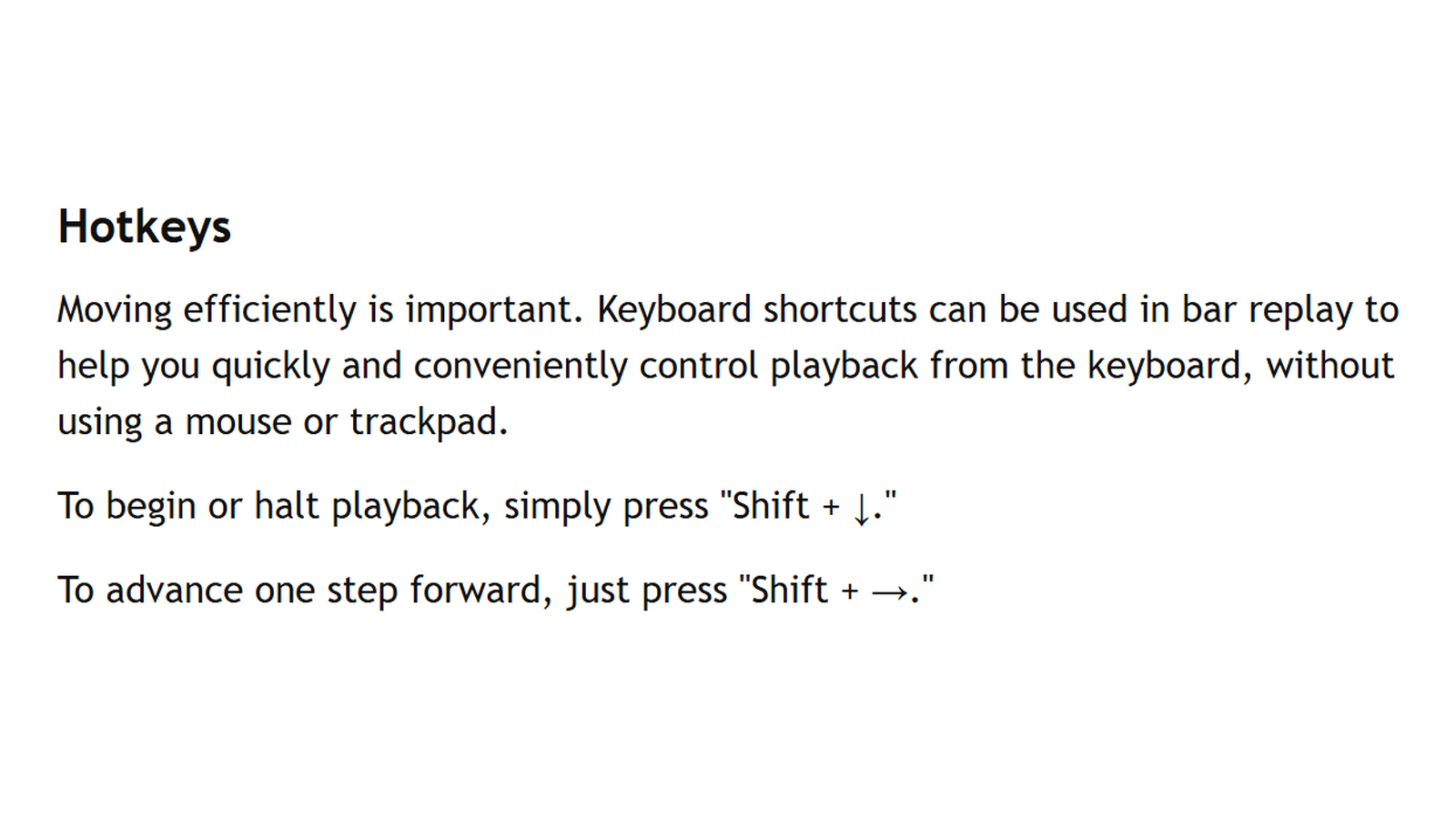
A forum wish is not the same as a missing line in the vendor’s own hotkey list. Use the help page when you decide. If they add a back key later, this sentence expires. It was true on the date above.
What does “undo one bar” cost you today?
On Bar Replay, going back means choosing another start. Drawings you made for the spoiled bar may still be on the chart — their help says drawings can remain after you close replay — but the playhead does not step backward from the keyboard. You re-cut the bar.
Ask one question: is re-selecting the start a ten-second annoyance, or does it show you a candle you were not supposed to see and end the rep? Only the second case is a reason to leave.
Do you need the chart site, or a tape you can step both ways?
TradingView is still the stronger charting room: browser, layouts, their data depth. This article does not claim otherwise. Depth limits are a different page. Price of their plan is a different page.
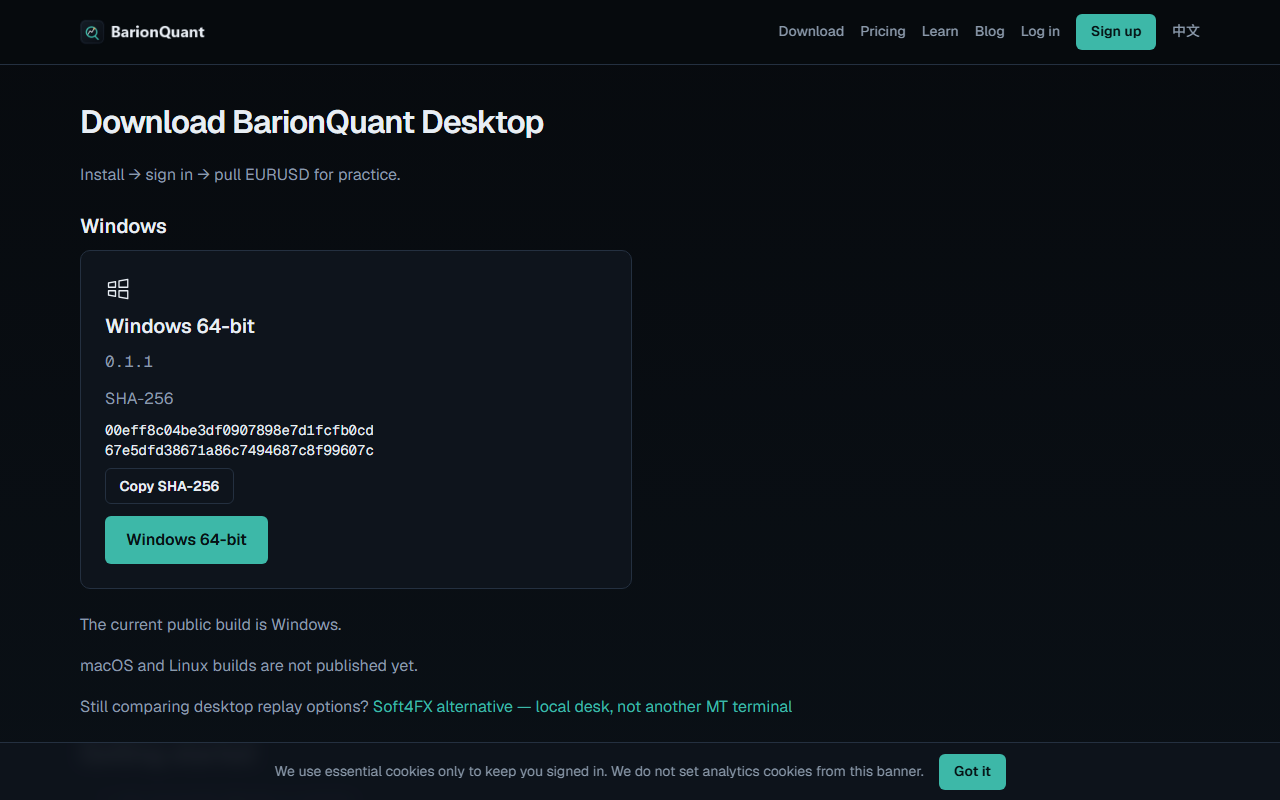
What we ship is a separate Windows window. Download shows Windows 64-bit, build 0.1.1, and the line that macOS and Linux builds are not published yet.
What we do
Judgment first. The software is the practice desk.
On that desk, Space steps the session forward and Backspace steps one bar back. Those words are the shipping English labels. This article does not include a screenshot of the toolbar, so do not treat a missing picture as a picture.
What the step actually puts back: the paper position, closed trades for that step, and the session summary tied to the snapshot. That is exercise state, not a live account. We do not claim your drawings rewind with the bar. If you need that proof, wait for a capture. Do not invent it from this page.
Free practice is EURUSD on your machine after you sign in. A paid seat includes the handbook. There is no separate course SKU on the pricing page.
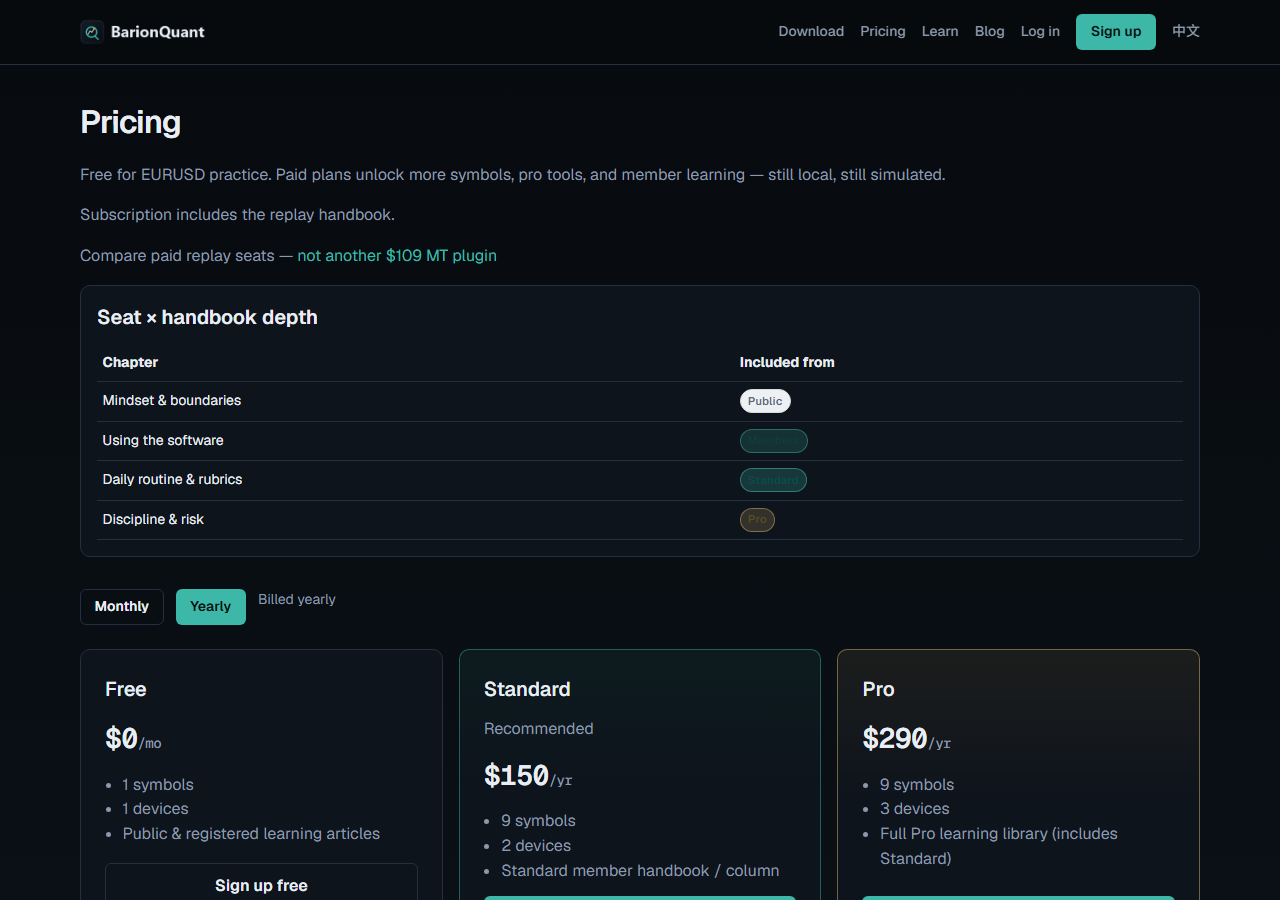
The yearly toggle, same day, shows Free at $0/mo, Standard at $150/yr, and Pro at $290/yr. Monthly $15 and $29 are the frozen list price. They are not printed on this yearly capture, so this article does not pretend they are.
Honest comparison
What the help page and our public site support.
- Direction. TradingView documents forward. BarionQuant’s Windows build documents a step back (Backspace). We did not photograph that button here.
- Mistake cost. Their users re-select a start bar. Our step restores the paper book for that bar. Drawings are out of scope for this claim.
- Host. Their replay lives on the chart site. Ours is a local Training session. No Mac build in the download shot.
- Money. We are not pricing their plan in this piece. Our yearly cards in the shot are $0, $150/yr, and $290/yr.
- Broker. Neither sentence on our download and pricing pages is an order ticket. Buy and Sell inside a session, when you get there, are simulated.
TradingView, said plainly: if the browser chart is the classroom and re-cutting a bar is acceptable, stay. Their data and layouts are the reason people are there. Do not leave because a blog dislikes a hotkey.
Who should skip
Skip us if you need Mac, a no-install browser, or Pine on the same pane as the replay. Skip us if you wanted a screenshot of Step back before you install — we did not shoot one for this article. Skip us if you wanted drawings to rewind and will treat silence as a promise. It is not.
Stay on TradingView if the only annoyance is speed, or if you already re-select the start without breaking the rep.
FAQ
Is Shift+Left the official undo?
Not on the help page captured 2026-09-30. The written shortcuts are Shift+Down and Shift+Right. A Reddit request is not a shortcut.
Does BarionQuant hide the date so I cannot cheat?
Not this article. Blind sessions are a separate change and are not what you download from the sentence above.
Will step back delete a drawing?
We do not say that. The claim that is safe: one bar back restores the paper position for that step. Drawings are a different object. No figure in this piece shows a drawing moving.
Next step
If the missing back key is the constraint, and Windows is acceptable, download the Windows build (https://www.barionquant.com/en/download) and pull EURUSD. Pricing (https://www.barionquant.com/en/pricing) is the other link, for when one symbol is not enough.
The chart-or-desk decision, with the rest of the tradeoffs, is TradingView Bar Replay vs a local desktop (https://www.barionquant.com/en/blog/compare-tradingview).
Educational content. BarionQuant is not a broker and does not provide investment advice or trade signals. Past practice results do not predict future outcomes. Competitor behavior cited as of 2026-09-30 from the public Bar Replay help page. Our prices cited from the public pricing page the same day, Yearly toggle.